
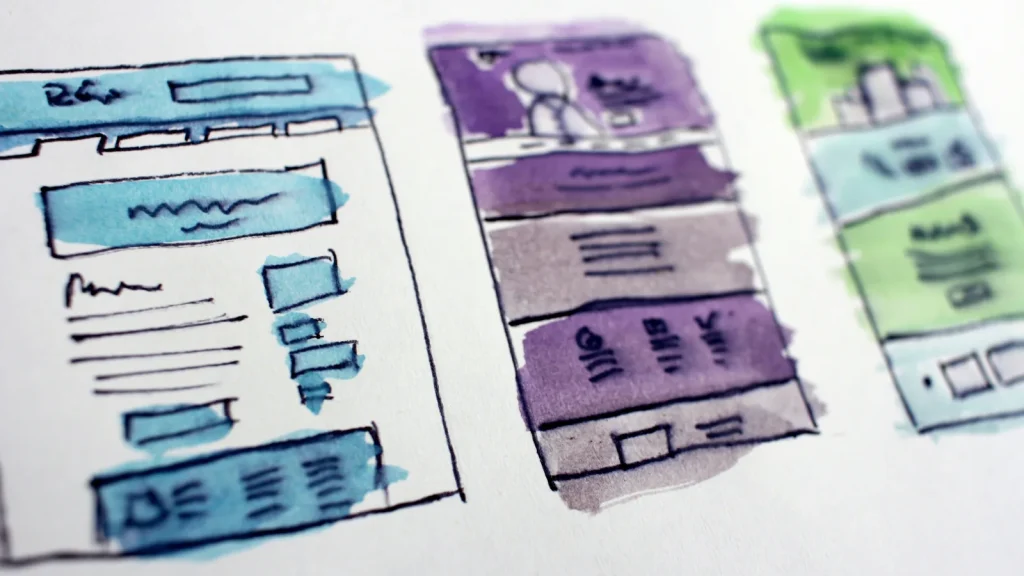
Turning a Figma design into a WordPress website sounds simple: look at the design, write the code. But the difference between a good conversion and a bad one usually shows up months later, when your marketing team edits a page and the layout falls apart, or the site has slowed to a crawl under a page builder.
Here’s the process we use at Web Boostify for every Figma-to-WordPress project, and why each step matters.
Key takeaways
- Plan the build from the design: break every page into reusable sections before writing code.
- Build each section as an ACF Gutenberg block with simple fields, so editors can’t break the layout.
- Skip heavy page builders. A custom theme loads less code and is easier to maintain.
- Test with real content, on real devices, before launch.
Step 1: Audit the Figma file
Before any code, we go through the design page by page and answer three questions:
- What repeats? Hero banners, card grids, testimonial sliders, call-to-action strips. Anything that appears more than once becomes one reusable block.
- What’s the design system? Colours, font sizes, spacing, buttons and breakpoints. We turn these into CSS variables so the whole theme stays consistent.
- What’s missing? Hover states, mobile layouts, empty states, form errors, long headlines. Designs rarely show every case, so we flag gaps early instead of guessing later.
The result is a block list: usually 15–30 blocks for a full website.
Step 2: Set up a lean custom theme
We start from a clean starter theme of our own: no page builder, no framework bloat, no jQuery. It includes:
- A global settings page for things that appear everywhere (logo, contact details, social links, header buttons).
- Auto-registration for blocks, so each block lives in its own folder with its template, styles and fields.
- Responsive controls and typography options per block where the design needs them.
Because each block only loads its own CSS when it’s used, pages load just the code they need.
Step 3: Build each section as an ACF Gutenberg block
This is the heart of the process. Each section of the design becomes a Gutenberg block built with ACF Pro. Editors see simple fields (eyebrow, headline, text, image, buttons, a repeater for cards) instead of a complex visual builder.
Why ACF blocks instead of Elementor, Divi or a block theme with free-form editing?
- Editors can’t break the design. They change content, not layout.
- Performance. A custom block outputs just the HTML it needs. Page builders often output many nested wrappers and load large script and style bundles on every page.
- Longevity. Plain PHP templates and native Gutenberg are easy for any WordPress developer to maintain, with no lock-in to a builder’s ecosystem.
We match the Figma spacing, typography and layout exactly at each breakpoint, and build mobile layouts as designed, not just squeezed.
Step 4: Custom post types for structured content
Some content isn’t a page, it’s a collection: case studies, team members, services, locations, events. We build these as custom post types with their own fields and templates, so adding a new case study means filling in a form, not designing a page.
Step 5: Real content, real devices
Placeholder text hides problems. We load real content (long headlines, short headlines, missing images, three cards instead of four) and test on actual phones and tablets. This is where most “it looked fine in Figma” issues are caught.
Step 6: Performance and SEO built in
Before launch, every theme gets:
- Optimised, properly sized images in modern formats, with lazy loading below the fold.
- Deferred JavaScript and preloaded fonts.
- One H1 per page and a logical heading structure.
- Meta titles, descriptions, Open Graph tags and schema markup.
- A clean XML sitemap and correct redirects.
Step 7: Hand-over your team can use
Finally, we record a short walkthrough video showing how to edit every block, and we include demo content so the site is easy to rebuild or extend. You own the code, the theme and the content.
What does Figma to WordPress cost?
A 5-page site typically starts around $499 with us; a full custom theme with 15+ blocks is usually $999–$1,999, depending on complexity. See our WordPress development service or our Figma design service if you don’t have a design yet.
FAQ
Can you convert any Figma design to WordPress?
Yes. Complex animations or interactions may need extra time, but anything that can be designed can be built.
Will the website look exactly like the Figma design?
It should. We build to match spacing, typography and layout at every breakpoint and review side-by-side before handover.
Do I need ACF Pro?
Our block system uses ACF Pro. It’s a paid plugin with an annual licence and is widely used for custom WordPress development.
How long does Figma to WordPress take?
About 2 weeks for a small site and 3–5 weeks for a full custom theme.